

Download Xiaomi Cloud – Xiaomi Cloud APK, cloud storage, Xiaomi devices, file backup, document sync, media backup, remote device control
Overview
Xiaomi Cloud is a cloud storage solution designed specifically for users within the Xiaomi ecosystem. As a free mobile application, it enables Xiaomi device owners to securely store and manage documents, images, and videos in the cloud. The primary purpose of the software is to reduce local storage pressure by offloading data to remote servers, while ensuring that files remain accessible from any connected device. This service is particularly useful for users who frequently capture high-resolution photos and videos, which can quickly consume internal memory on smartphones and tablets.
Targeted at consumers and professionals using Xiaomi-branded devices, Xiaomi Cloud offers seamless synchronization and backup of critical data such as contacts, messages, and media galleries. The software supports automated backups with customizable scheduling, helping users maintain consistent data protection without manual intervention. Real-world use cases include remote recovery of lost data, cross-device file access, and collaborative sharing of media between Xiaomi users.
Developed by Xiaomi Corporation, the software is deeply integrated into Xiaomi’s mobile operating environment. While it shares functional similarities with third-party cloud platforms like Google Drive and Dropbox, Xiaomi Cloud is restricted to Xiaomi devices, limiting its accessibility beyond the brand’s ecosystem. The developer did not provide additional details about regional server locations or data encryption protocols.
Key Features & Capabilities
- Cloud Storage for Xiaomi Devices: Offers centralized storage for documents, images, and videos, enabling users to free up space on their local devices.
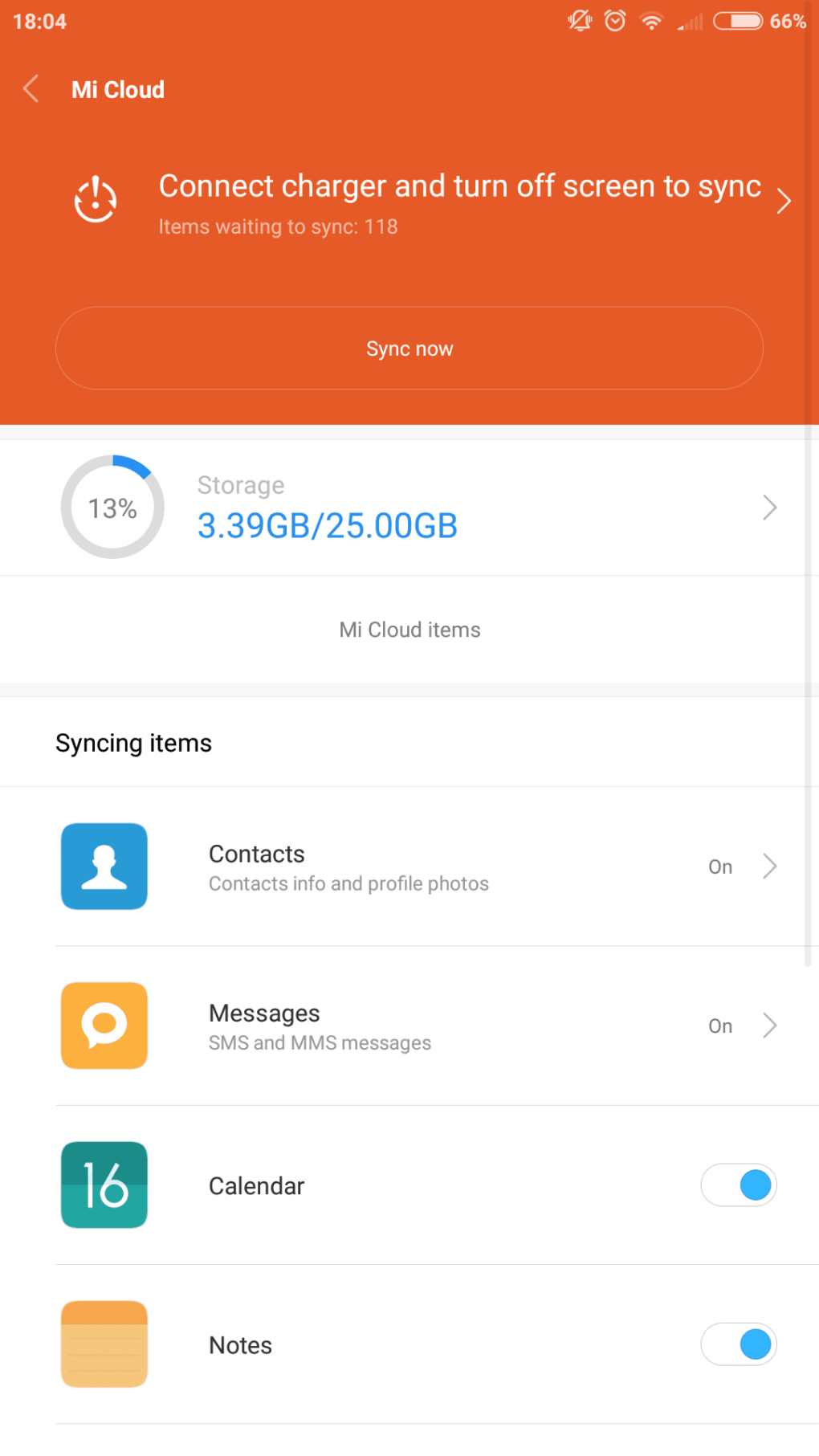
- Automated Backup: Allows users to schedule automatic backups of contacts, messages, and media, ensuring continuous data protection.
- Document and Media Sync: Synchronizes files across multiple Xiaomi devices linked to the same account, promoting seamless access and consistency.
- Remote Device Control: Enables users to remotely manage linked Xiaomi devices, including sending SMS, taking notes, and locating lost devices.
- File Sharing via URL: Facilitates easy sharing of files by generating shareable links, enhancing collaboration and convenience.
These features are particularly beneficial for users who rely on multiple Xiaomi devices or frequently travel and need instant access to their files. For example, a user can back up a video from their Xiaomi phone to the cloud and later retrieve it on a Xiaomi tablet or PC. Similarly, remote device control can assist in locating a misplaced phone or sending a quick message to a device that is out of reach.
User Interface, Workflow & Performance
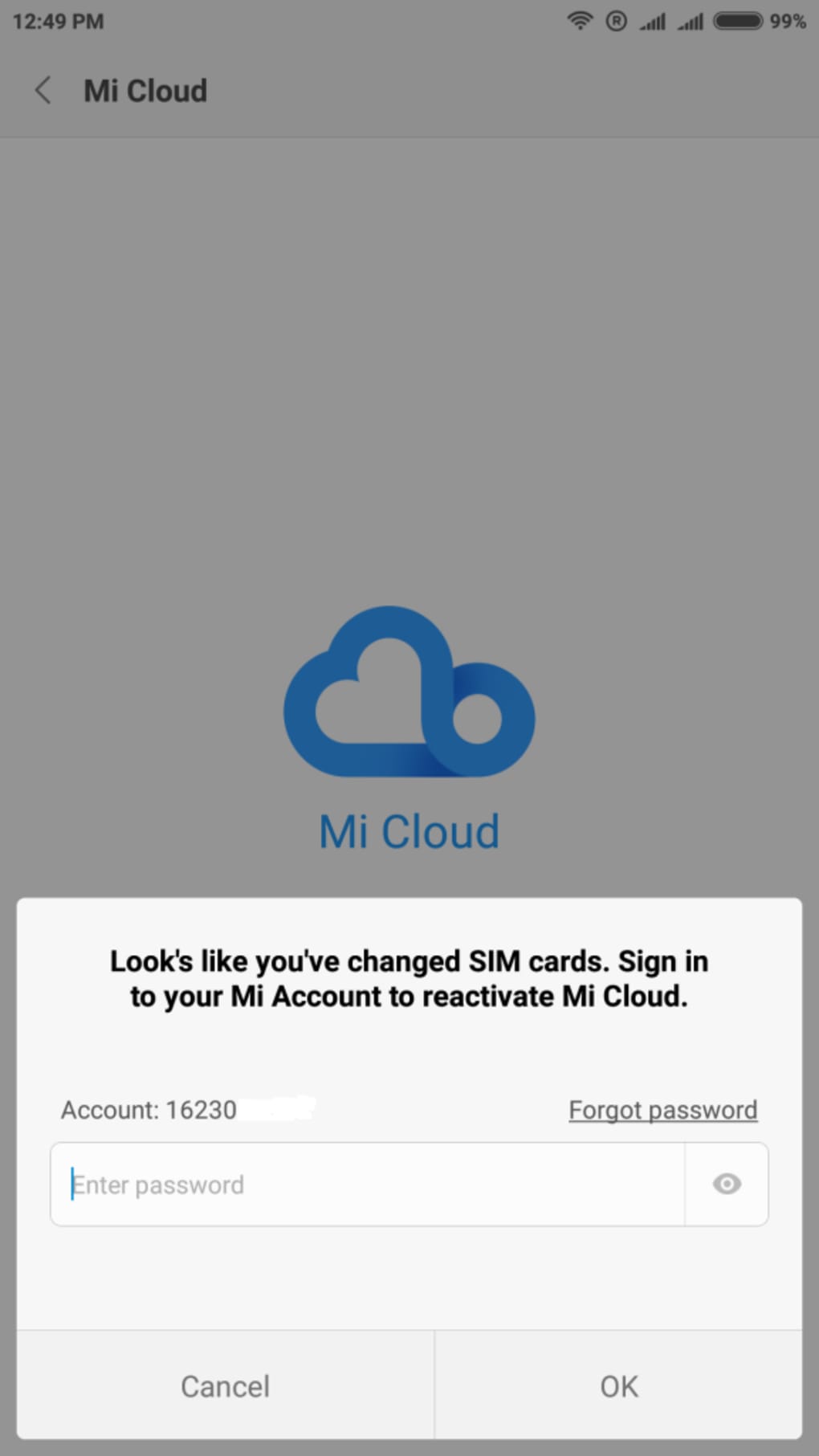
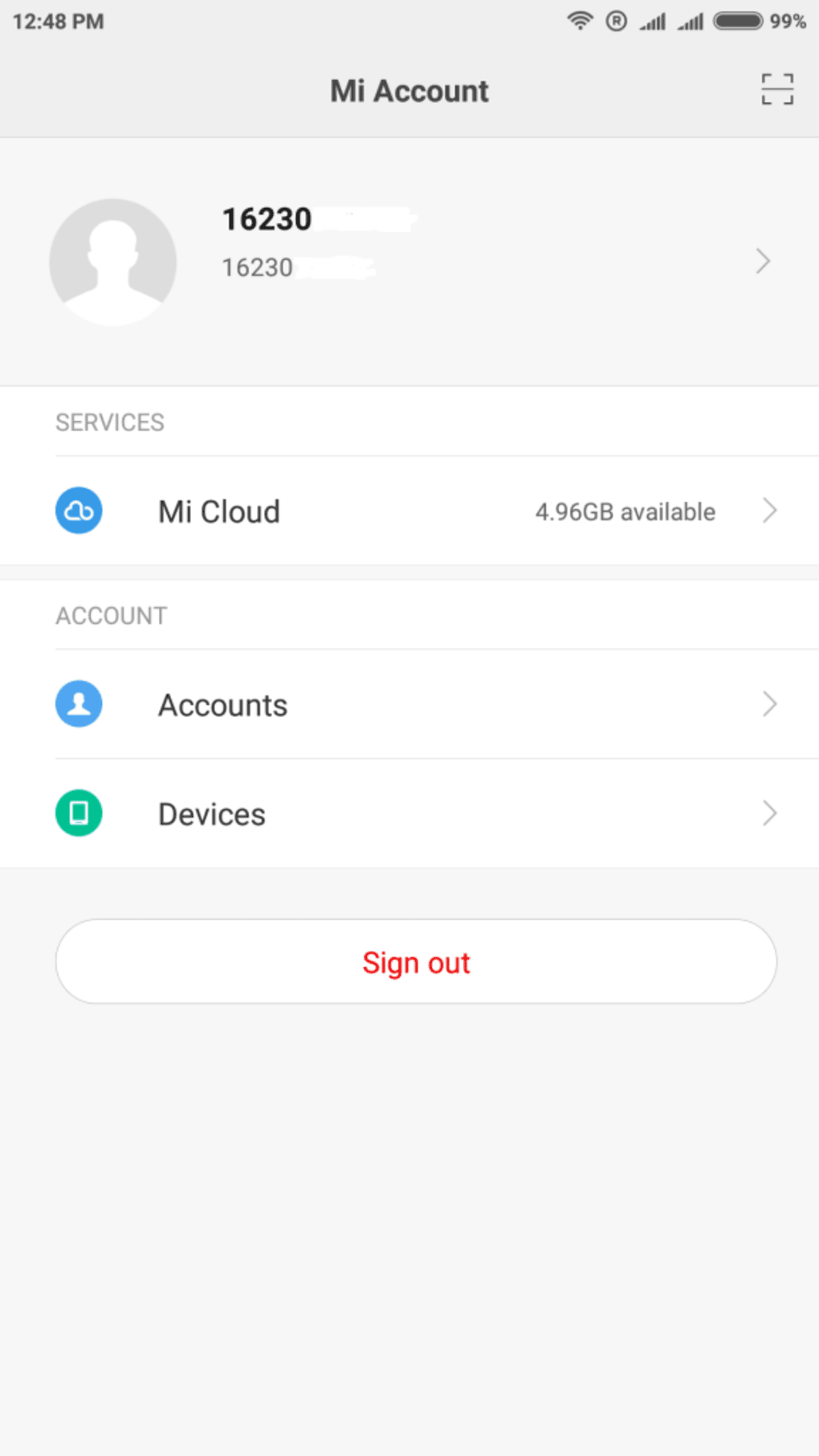
The user interface of Xiaomi Cloud is designed with simplicity and efficiency in mind, aligning with Xiaomi’s overall design philosophy. Navigation is intuitive, with a clean layout that organizes files into categories such as photos, documents, and backups. Users can access their stored data through a straightforward menu system, and the app supports quick search functionality for locating specific files.
Workflow efficiency is enhanced by the ability to set up automatic backup schedules and initiate manual syncs with a single tap. The app integrates seamlessly with the device’s native file system, minimizing friction during file upload and retrieval. However, the developer did not specify resource usage details, such as CPU or RAM consumption, nor did they provide performance benchmarks under heavy load.
General performance observations are based on typical behavior of similar cloud applications. Stability appears consistent during regular use, though prolonged sync sessions may impact battery life depending on device configuration. The app does not currently support background processing on all Android versions, which may affect real-time synchronization in certain scenarios.
Compatibility & System Requirements
Xiaomi Cloud is designed to run on Android operating systems. The current version, 5.1.3, has a file size of 35.4 MB, indicating a lightweight footprint suitable for most modern Android devices. It is optimized for Xiaomi-branded smartphones and tablets, though it may function on other Android devices with varying levels of compatibility.
Platform compatibility information is limited to Android. The developer did not provide a detailed list of supported Android versions or hardware requirements such as minimum RAM or processor specifications. Exact system requirements were not listed, and users are advised to ensure their device meets the baseline standards for running Android applications.
Pros and Cons
Pros
- Free cloud storage with 5GB of initial space
- Seamless integration with Xiaomi devices
- Automated backup and synchronization features
- Remote device control for lost or misplaced devices
- Easy file sharing via URL links
Cons
- Limited to Xiaomi devices only
- 5GB free storage fills up quickly with media files
- Manual file deletion required; no bulk cleanup option
- No publicly available information on data encryption or server locations
- Performance may vary across non-Xiaomi Android devices
FAQ Section
Is Xiaomi Cloud available for non-Xiaomi Android devices?
Xiaomi Cloud is primarily designed for Xiaomi-branded smartphones and tablets. While it may be possible to install the APK on other Android devices, full functionality and compatibility are not guaranteed.
Is Xiaomi Cloud safe to use?
The app is developed by Xiaomi Corporation and operates under standard security protocols for cloud services. However, the developer did not disclose specific details about data encryption or server security measures.
How often can I update Xiaomi Cloud?
Updates are released periodically by Xiaomi Corporation. Users are encouraged to keep the app updated through the official app store or by downloading the latest APK from trusted sources.
Does Xiaomi Cloud require a subscription?
Yes, the app offers 5GB of free storage. Additional storage space requires a paid subscription, which is not included in the base application.
Can I use Xiaomi Cloud offline?
While some features like viewing previously downloaded files are available offline, most functions such as uploading, syncing, and remote control require an active internet connection.
Final Thoughts
Xiaomi Cloud presents a practical and user-friendly solution for Xiaomi device owners seeking reliable cloud storage and data management. Its integration with the Xiaomi ecosystem, combined with features like automated backup, remote device control, and file sharing, makes it a valuable tool for everyday use. While the 5GB free tier is modest and the service is restricted to Xiaomi hardware, its core functionality remains robust and accessible.
For users deeply invested in the Xiaomi ecosystem, Xiaomi Cloud offers a convenient way to protect important data and maintain seamless access across devices. Despite limitations in storage and cross-platform availability, the app delivers on its promise of simplicity, security, and efficiency.
Download Xiaomi Cloud now





.png)

